Your Google Business Profile categories tell Google what your business is, and the primary category is the single strongest lever you control over which searches you show up for. Pick the most specific primary category that matches your core business, add only the secondary categories you genuinely operate in, and leave the rest empty. That one decision moves rankings more than your website, your reviews, or anything else on the profile, and getting it wrong is the fastest way to disappear from the searches that matter.
Categories are a Google Business Profile (GBP) field: a fixed list of business types Google maintains, from which you select one primary and several secondary entries. They are not free text and not keywords. They are the labels Google uses to decide which queries your profile is eligible to rank for, and in 2026 they carry even more weight because AI search systems lean on the same category signal to decide which business to name in an answer.
Why does the primary category matter so much?
The primary category is the top positive ranking factor in local search, and the wrong primary category is the top negative one. The 2023 Local Search Ranking Factors survey run by Whitespark, the longest-running expert study of Google’s local algorithm, ranked the primary category as the most influential single element a business controls, ahead of reviews, links, and on-page signals. Choosing the wrong primary category was rated the most damaging mistake of any tested.
Here is the mechanism. When someone searches for a service, Google first decides which businesses are even eligible to appear, then ranks the eligible set. Your primary category is the main thing that gets you into the eligible pool. A profile set to “General Contractor” will struggle to rank for roofing searches no matter how good the reviews are, because it never entered the pool for that query. A profile set to “Roofing Contractor” enters automatically.

This is also why category accuracy protects the rest of your profile. Categories that do not match what you actually do are one of the patterns Google’s enforcement systems flag, the same family of issues we cover in the 5 factors behind Google Maps suspensions.
How specific should the primary category be?
As specific as the list allows, as long as it stays accurate. Google’s own guidance is to “choose a category that’s as specific as possible but representative of your main business,” and to use a more general category only when nothing more precise exists (Google Business Profile Help).
Specificity wins because specific categories map to specific intent. A few examples of choosing the narrow option over the broad one:
| Too broad | More specific (better) |
|---|---|
| Restaurant | Mexican Restaurant |
| Doctor | Dermatologist |
| Store | Mattress Store |
| Lawyer | Family Law Attorney |
| Contractor | Bathroom Remodeler |
The test Google effectively applies: a category should complete the sentence “this business is a ___,” not “this business has a ___” or “this business offers ___.” A med spa is a med spa; it is not a “Botox” (that is a service, which belongs in the services section, not a category).
How do I research which categories competitors use?
Look at the businesses already ranking for the searches you want, and read their categories directly. Two reliable methods:
- Read the page source. Open a competitor’s profile, view the page source, and search the code for the term
GCollegor the category label. The primary category is stored in the markup. Free browser tools and extensions surface it without digging. - Use a category tool. Tools like PlePer or the GMBspy extension display the full primary and secondary category set for any profile, so you can compare several competitors at once.
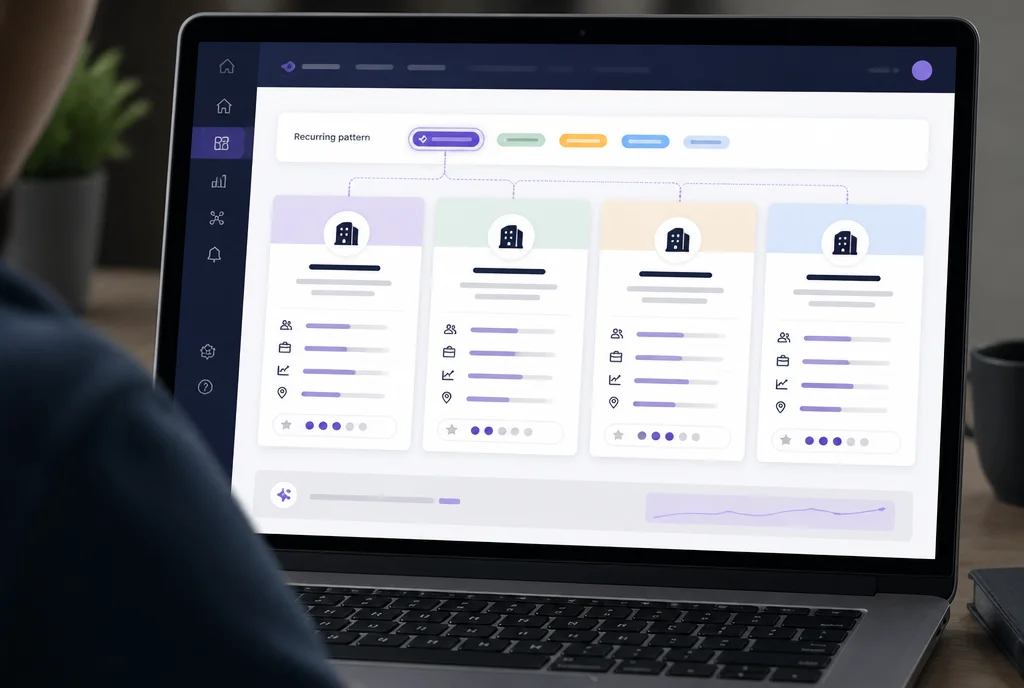
What you are looking for is the pattern. If four of the top five results for your main search share a primary category you are not using, that is your answer. You are not copying a single competitor; you are matching the category the search results already reward. If you also track where you rank across a map of your service area, category changes are one of the clearest things to measure before and after, which is what our local rank heatmaps are built to show.
How many secondary categories should I add?
As many as you genuinely operate, and no more. Google allows one primary category plus up to nine additional categories, ten total (Google Business Profile Help). The allowance is not a target.
Google’s explicit instruction is to “use the fewest number of categories it takes to describe your overall core business,” and to avoid using categories to describe attributes or services you do not actually provide (Guidelines for representing your business on Google). Each secondary category you add that you truly serve can extend your eligibility into related searches. Each one you add that you do not serve dilutes your relevance and invites trouble.
A practical rule:
- Primary: the one thing you most want to be found for.
- Secondary: distinct services you actively deliver and would happily take a call about today.
- Skip: anything aspirational, seasonal, or “we could do that.” If you would turn the job away, it is not a category.
A roofing company that also does gutters and siding has three honest categories. The same company should not add “General Contractor,” “Construction Company,” and “Handyman” to cast a wider net. That pattern reads as inflation, not breadth.
What category mistakes trigger filtering or worse?
A handful of recurring errors quietly cap rankings or expose the profile to enforcement:
- Category stuffing. Adding loosely related categories to appear in more searches. It splits relevance and can flatten performance across all of them.
- Categories that do not match the business. The clearest trigger. Listing categories for services you do not provide conflicts directly with Google’s representation guidelines.
- Wrong primary, padded secondaries. Treating the primary as an afterthought and stacking secondaries to compensate. The primary carries most of the weight; no number of secondaries makes up for the wrong one.
- Using categories as keywords. Categories are a fixed list, not a place to inject search phrases. The keyword equivalent in the business name is one of the fastest routes to a suspension, covered in our suspension guide.
- Set and forgotten. Google adds and retires categories regularly. A category that was the best fit in 2023 may have been split into more precise options since.
How do I change a Google Business Profile category safely?
Changing a category is straightforward and reversible, but timing and patience matter. Sign in to your Business Profile, open the Edit profile or Business information panel, select Category, and update the primary or secondary entries (Google Business Profile Help). On a verified, established profile, edits to existing fields usually publish within minutes to a few hours.
Do it cleanly:
- Change the primary deliberately, not casually. It is the highest-impact field on the profile. Confirm the new one is correct before saving.
- Make one meaningful change at a time. Sweeping edits across name, category, and address in a single session can trigger re-review. Categories alone are low risk; bundling them with sensitive fields is not.
- Expect a short ranking wobble. Positions can move for a few days after a primary category change as Google re-evaluates eligibility. Give it one to two weeks before judging the result.
- Watch for reversions. Google occasionally rejects or rolls back category edits, especially on newer or previously flagged profiles. If a change does not stick, that is a signal worth investigating, sometimes related to the same trust issues behind verification failures.
Why categories matter more in AI search
The shift in 2026 is that categories no longer feed only the map results. AI search systems, including Google’s AI Overviews, draw on structured business data to decide which company to name when someone asks an assistant for a recommendation. The category is one of the cleanest machine-readable signals about what you do, so an accurate, specific category set improves your odds of being the business an AI surfaces, not just the one a human scrolls to. We unpack that wider shift in how AI Overviews are changing local discovery, and category accuracy is one of the inputs our AI-focused SEO work is built around.
Frequently Asked Questions
How many categories can a Google Business Profile have?
One primary category and up to nine additional (secondary) categories, for ten total. Google recommends using the fewest that accurately describe your core business rather than filling all ten slots.
Which is more important, the primary or secondary category?
The primary, by a wide margin. It is the top positive local ranking factor and is what makes your profile eligible for a given search. Secondary categories extend eligibility into related searches but never outweigh a wrong primary.
How do I find a competitor’s Google Business Profile category?
View the page source of their profile and search for the category label, or use a tool like GMBspy or PlePer that displays the full primary and secondary set. Compare several top-ranking competitors to find the category pattern the search results reward.
Will changing my primary category hurt my rankings?
It can cause a short-term wobble for a few days while Google re-evaluates eligibility, but changing from a wrong category to the correct one usually improves rankings over one to two weeks. Change it deliberately and avoid editing other sensitive fields at the same time.
Can I use categories as keywords?
No. Categories are a fixed list Google maintains, and its guidelines prohibit using them as keywords or to describe attributes you do not offer. Keyword stuffing in categories or the business name is a known suspension trigger.
How often should I review my categories?
At least twice a year, and any time your services change. Google regularly adds and retires categories, so a category that was the best available option a year ago may have been replaced by a more precise one.
Related Resources:
- Top 5 Factors That Lead to a Google Map Suspension - How category and name accuracy protect your profile from enforcement
- Top 5 Reasons Google Is Not Verifying Your Business - When profile edits get rejected or rolled back
- Google Business Profile Posts: 2026 Visibility Guide - The other GBP field that feeds both rankings and AI answers
- AI Overviews Are Eating Your Local Clicks - Why structured signals like categories matter more in AI search
- GBP Health Checklist - Free 60-second profile score, categories included
Ready to protect your Google Business Profile?
AI-powered review management and profile protection. Start your free 7-day trial.